Best 8 Tool Tracking Systems for Contractors
A tool tracking system is software plus tags (barcode, RFID, Bluetooth or GPS) that records where each tool is, who has it and what condition it’s in. Contractors use it to cut theft, stop hoarding and make sure crews arrive with the right gear.
Theft is the expensive part. Stolen heavy equipment is costly to replace and is rarely recovered.
Loss is only half the cost. Manual checkouts and missing records lead to duplicate purchases, and forgotten maintenance turns into downtime on site.
Matching the Best Tool Tracking System to Your Crew
The tracking method decides how your crew uses the system every day. Start with equipment tracking devices, then compare GPS, BLE and RFID to see which one fits your workflow.
Barcode Tool Tracking System
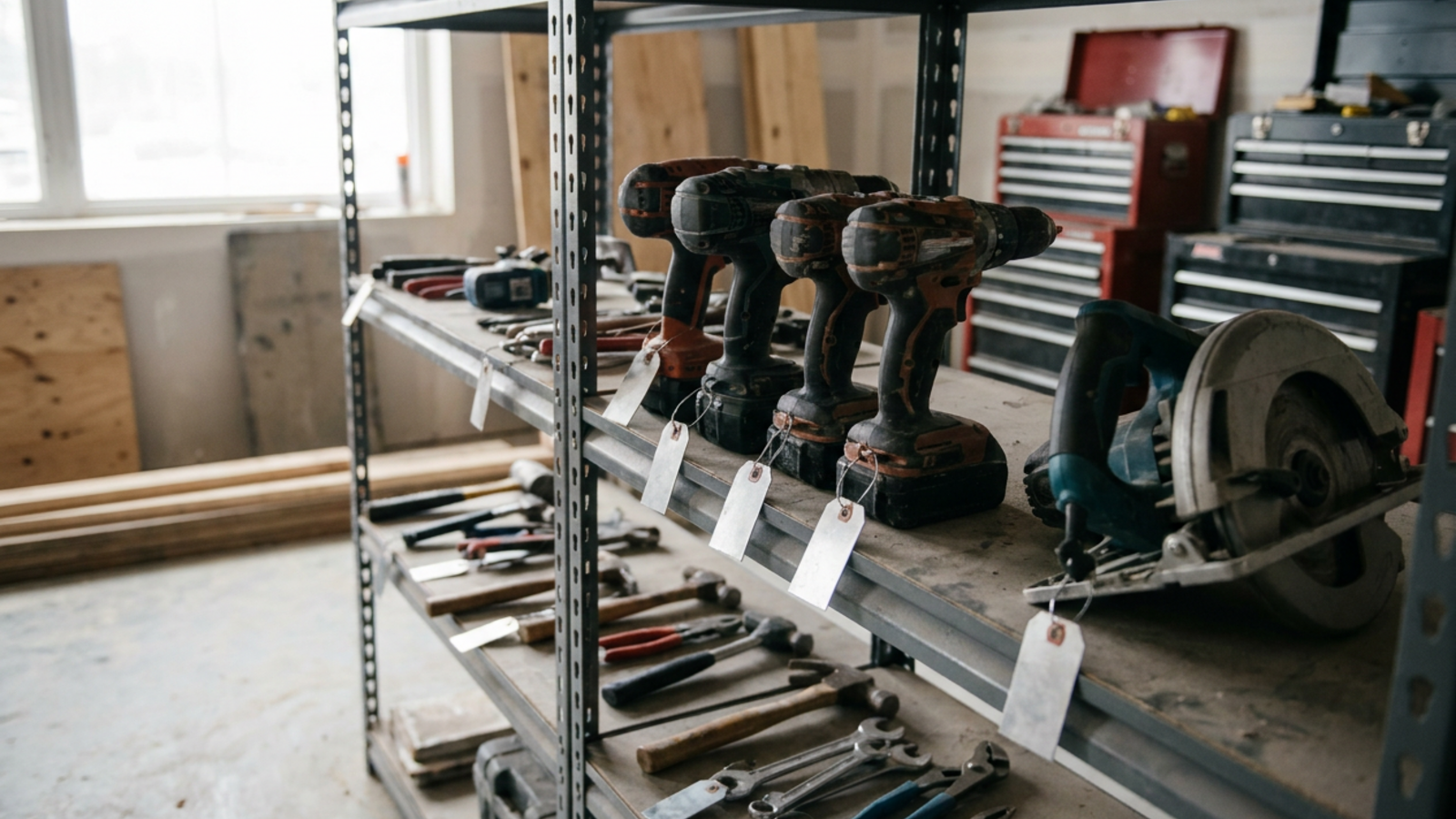
A barcode tool crib management system works when someone scans a printed barcode or QR label with a phone or handheld scanner. It is the cheapest option and fits an organized supply room. The catch: location only updates when a worker remembers to scan.
RFID Tool Tracking System
An RFID tool tracking system reads many tags at once by radio, with no line of sight needed. It suits warehouses and supply rooms that load large volumes of small tools onto trucks.
Bluetooth (BLE) and IoT Asset Tracking
Bluetooth tags report their location whenever a phone running the vendor’s app or a gateway is nearby. That fits field teams spread across several job sites. Check-in happens by proximity, with no scanning.
GPS Tracking
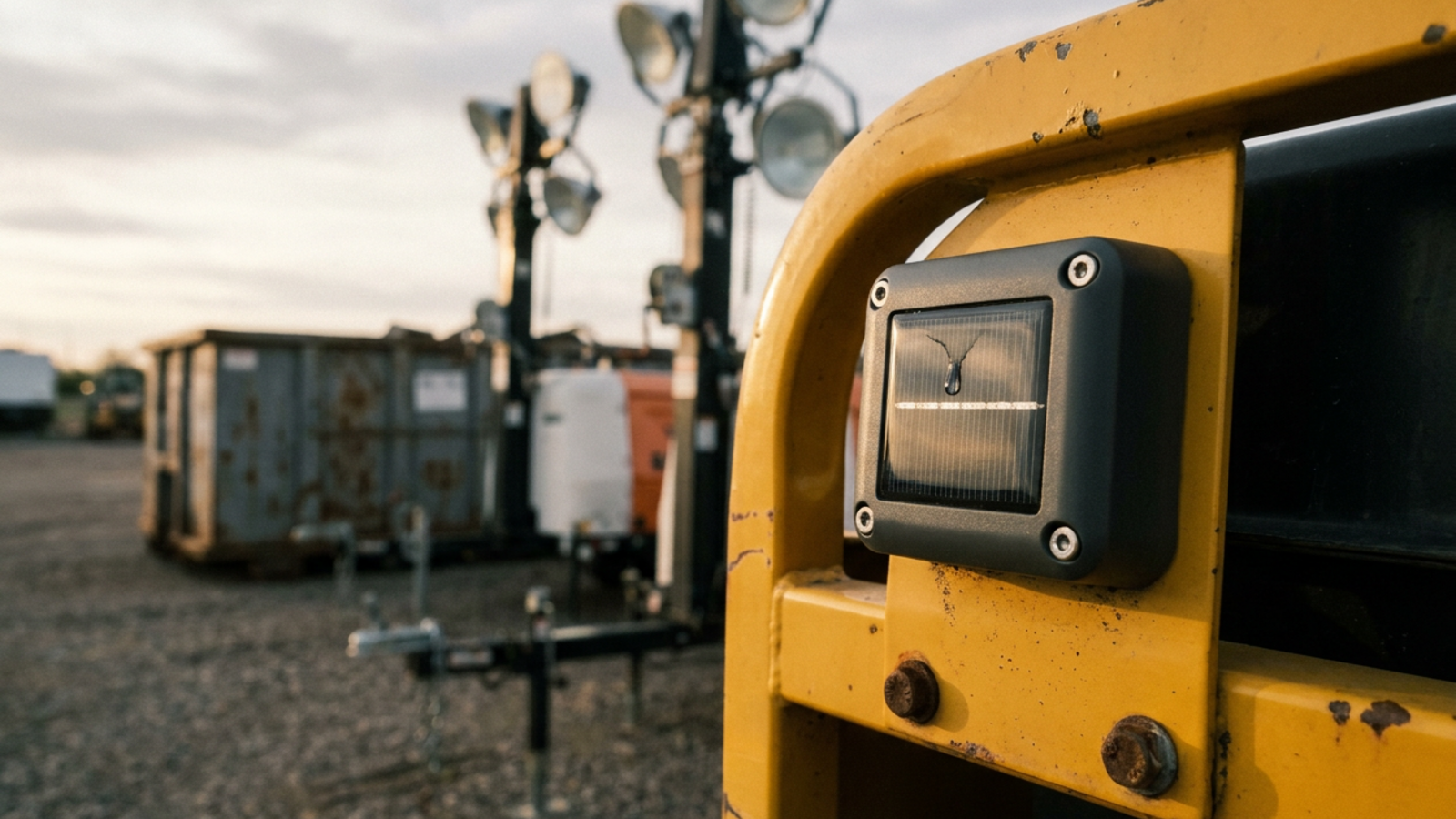
GPS tracking in construction gives live location anywhere with a cellular signal. Hardware cost and battery draw make it the right call for generators, heavy machinery and trailers, not individual hand tools.
Cellular GPS also carries a recurring data plan, whether the tracker comes inside a platform like Tenna or is sold on its own. A BLE tag has no data plan of its own, though the gateway it reports through may. For a single trailer or generator, Logistimatics publishes its AssetTrack Mini from $54.99, with a required plan from $12.50 a month billed annually. Logistimatics, like GPX, is a client of Mo’ Saci Science.
Why Do Tools Still Go Missing?
Software doesn’t stop losses on its own. Most failures happen in the field, not in the code.
Bluetooth tags go quiet when no reader is in range. Busy crews skip the checkout step. Barcode labels wear off after a few months of job site abuse, so rough sites need ruggedized asset tags. Cold weather drains tag batteries faster, so check the operating temperature range on the spec sheet before a winter rollout.
Crews also push back when a tracker seems to follow people rather than tools. Tell them up front that tags go on assets, not on workers, and who can see the location data.
When the system feels like extra work or surveillance, crews go around it. The data stops matching reality, and your most expensive assets are exposed again.
1. GPX Asset Tag Pro
Asset Tag Pro from GPX is a reusable Bluetooth asset tag for containers, equipment, trailers and tools. It runs on one GPS, cellular and BLE network that gpx.co says has 100M+ terrestrial gateways.
- Tracking method: Bluetooth (BLE) on a GPS, cellular and BLE network
- Readers needed: A GPX tracker or gateway in range
- Best for: Contractors with 10+ high-value assets spread across sites
- Standout features: One reusable tag for containers, equipment, trailers and tools
Strengths
- Location updates come from the gateway network, not a manual scan
- Reusable, so a tag moves to a new asset when jobs change
- One network covers tools, trailers, equipment and containers
Limitations
- The tag needs a GPX tracker or gateway in range to report
- GPX publishes no pricing
- GPX is a location tool, not an ERP, so job costing lives in other software
2. Wasp Barcode
Wasp Barcode builds barcode inventory tools for warehouses and tool cribs. Its AssetCloud software pairs with scanners to show what left the supply room and who signed for it.
- Tracking method: Barcode
- Readers needed: Dedicated scanners or smartphones
- Best for: Mid-sized contractors that need tight warehouse control and audit trails
- Standout features: Scanning hardware, audit trails, custom reports
Strengths
- Accurate in controlled spaces like a central warehouse
- Detailed reports for audits and depreciation
- Dedicated scanners read labels fast
Limitations
- Location only changes when someone scans
- No live field location once tools leave the yard
- Damaged labels stop scanning on rough sites
3. GigaTrak
GigaTrak builds tool tracking software for contractors running active tool cribs. It follows the classic check-out and check-in model, which holds each worker accountable for the gear they take.
- Tracking method: Barcode
- Readers needed: Barcode scanners or the mobile app
- Best for: Contractors that check tools in and out from one central location
- Standout features: Mobile barcode scanning, maintenance scheduling, employee accountability
Strengths
- The interface mirrors a traditional tool room
- Strong maintenance and repair history
- Phone scanning, so no dedicated hardware is required
Limitations
- Every worker has to follow the scan routine
- It can’t locate a missing tool in the field
- Many dispersed job sites slow data entry down
4. ShareMyToolbox
ShareMyToolbox is an app-based platform that puts tool inventory on workers’ phones. Field workers transfer tools to each other on site instead of routing everything through a warehouse.
- Tracking method: Barcode and manual app entry
- Readers needed: Smartphones
- Best for: Small and mid-sized contractors that want a simple cloud tool inventory
- Standout features: Peer-to-peer field transfers, reservation calendar, barcode scanning
Strengths
- A simple mobile app that field crews pick up fast
- Peer-to-peer transfers keep tools moving between workers
- Cloud-based, so the office and the field see the same list
Limitations
- Every update depends on a worker using the app
- No automatic location for a tool left on site
- Reporting is lighter than on enterprise platforms
5. Tenna
Tenna runs an equipment management platform built for heavy civil construction. It tracks everything from excavators to hand tools on one dashboard, mixing cellular GPS trackers, Bluetooth tags and QR codes.
- Tracking method: GPS, Bluetooth (BLE), QR
- Readers needed: Cellular trackers or Tenna app users
- Best for: Heavy civil contractors managing mixed fleets of heavy iron and small tools
- Standout features: One platform for every asset size, telematics integration, its own hardware
Strengths
- One system for every asset type, so no duplicate software
- Pulls in heavy machinery telematics
- Hardware built for harsh civil sites
Limitations
- Rolling it out across a whole company is a big project
- More platform than a small specialty trade contractor needs
- Mixed hardware means more pieces to buy and manage
6. ToolWatch
ToolWatch is an enterprise platform for tools, materials and logistics across many job sites and warehouses. It connects to construction accounting and project management software for job costing.
- Tracking method: Barcode, RFID, Bluetooth (BLE)
- Readers needed: Scanners or smartphones
- Best for: Mid-sized and large construction companies
- Standout features: Job costing, ERP integration, calibration and maintenance tracking
Strengths
- Built around construction billing and logistics
- Scales to thousands of assets across multiple states
- Strong data for job costing and utilization
Limitations
- A steep learning curve, with many features and menus
- Needs dedicated admin staff to keep records accurate
- Implementation takes time and people
7. Milwaukee ONE-KEY
Milwaukee ONE-KEY is built into compatible Milwaukee smart tools, with tracking and performance settings out of the box. Separate ONE-KEY Bluetooth tags bring other brands’ assets into the same free app.
- Tracking method: Bluetooth (BLE)
- Readers needed: Phones running the ONE-KEY app
- Best for: Contractors invested in Milwaukee M18 and M12 tools
- Published price: Free app; tags and tools sold separately
- Standout features: Remote tool lockout, performance customization, one inventory app
Strengths
- The app is free to use
- Tracking is built into compatible tools, not stuck on as a tag
- Managers lock out stolen tools remotely
Limitations
- Location depends on Bluetooth range to a phone with the app
- Less useful for fleets built on other brands
- No cellular GPS for assets outside Bluetooth range
8. Hilti ON!Track
Hilti ON!Track manages tools, consumables and safety equipment from any manufacturer. It pairs rugged tags with cloud software to track compliance and accountability on large projects.
- Tracking method: RFID, barcode, Bluetooth (BLE)
- Readers needed: Smartphones or scanners
- Best for: Construction companies that need tool management plus compliance tracking
- Standout features: Safety certificate tracking, Hilti service integration, consumables management
Strengths
- Flags equipment before a safety certification lapses
- Fits companies already on Hilti fleet management
- Covers tools from every brand, not only Hilti
Limitations
- Hardware and setup are a significant investment
- Field teams need ongoing training to keep using it
- No published price
Tool Tracking Systems Compared Side by Side
| System | Maker | Tracking Method | Readers or Gateways Needed | Check-In and Check-Out | Published Price |
|---|---|---|---|---|---|
| Asset Tag Pro | GPX | Bluetooth (BLE) on a GPS, cellular and BLE network | GPX tracker or gateway in range | Location updates in gateway range | |
| AssetCloud | Wasp Barcode | Barcode | Dedicated scanners or smartphones | Manual scan | |
| GigaTrak | GigaTrak | Barcode | Barcode scanners or mobile app | Manual scan | |
| ShareMyToolbox | ShareMyToolbox | Barcode / app entry | Smartphones | Manual, in the app | |
| Tenna | Tenna | GPS / BLE / QR | Cellular trackers or Tenna app users | Automated or manual | |
| ToolWatch | ToolWatch | Barcode / RFID / BLE | Scanners or smartphones | Manual and automated | |
| ONE-KEY | Milwaukee Tool | Bluetooth (BLE) | Phones running the ONE-KEY app | Automated by proximity | Free app |
| ON!Track | Hilti | RFID / barcode / BLE | Smartphones or scanners | Manual or proximity |
Disclosure: GPX and Logistimatics are clients of Mo' Saci Science.
Which Tool Tracking System for Construction Belongs on Your Shortlist?
The best tool tracking system is the one your crews actually use. Run three checks before you sign.
- Count your mix. List heavy equipment against small hand tools. GPS earns its cost on the big assets, and tags or labels cover the rest.
- Map how tools move. If crews return to one crib, barcode works. If tools move between active sites every day, use Bluetooth tags.
- Price your admin time. Barcode needs someone to police scans. Bluetooth trades that labor for hardware.
Start with your 20 most expensive tools. Note where each one spent last week, then hold your top two systems to that list.
Frequently Asked Questions (FAQs)
Can I track tools without a cellular signal?+
Yes. Barcode and RFID systems log check-outs on the scanning device and sync later. Bluetooth systems that report through phones update the map once the phone reconnects.
How much does a tool tracking system cost?+
Most vendors on this list publish no price. Milwaukee lists its ONE-KEY app as free, with tags and tools sold separately. Budget for three lines: tags or labels, readers or gateways, and the software subscription.
Can I use consumer Bluetooth tags like Apple AirTags for construction tool tracking?+
They suit one personal item better than a crew’s tools. AirTags report through Apple’s Find My network, which is built for personal belongings, so there is no check-out record per worker and no company-wide asset list. Apple’s anti-stalking alerts also warn a nearby iPhone user when an unknown AirTag travels with them, which can tip off a thief.
How do geofencing alerts help prevent equipment and tool theft?+
A geofence is a virtual boundary drawn around a yard or job site on the tracking map. When a GPS-tracked asset crosses it, especially outside working hours, the platform sends an alert by text, email or app notification, so you can act while the machine is still close by. Geofencing needs live location, so it works best on cellular GPS trackers.
Are Bluetooth tool tags waterproof?+
Check the IP rating on the spec sheet. IP67 means dust-tight and able to survive immersion in 1 meter of water for 30 minutes, which covers rain and puddles on site.
Will these systems integrate with project management software?+
Enterprise platforms do. ToolWatch, for example, connects to construction accounting and project management software, so tool usage bills to the right job without manual entry.